Getting started
Letting Wundo support your conversations by default through your settings
Set up once which conversations Wundo supports. Wundo then automatically prepares for those conversations and follows them up.
Last updated on 12 November 2026
-
Open Settings
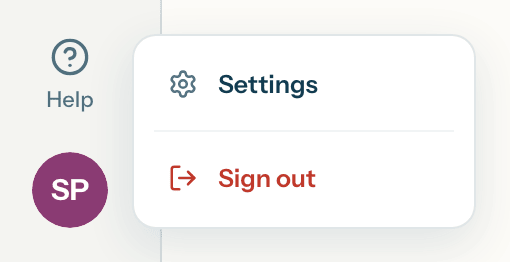
In Wundo, open the profile menu and choose Settings.
-
Open the Conversations tab
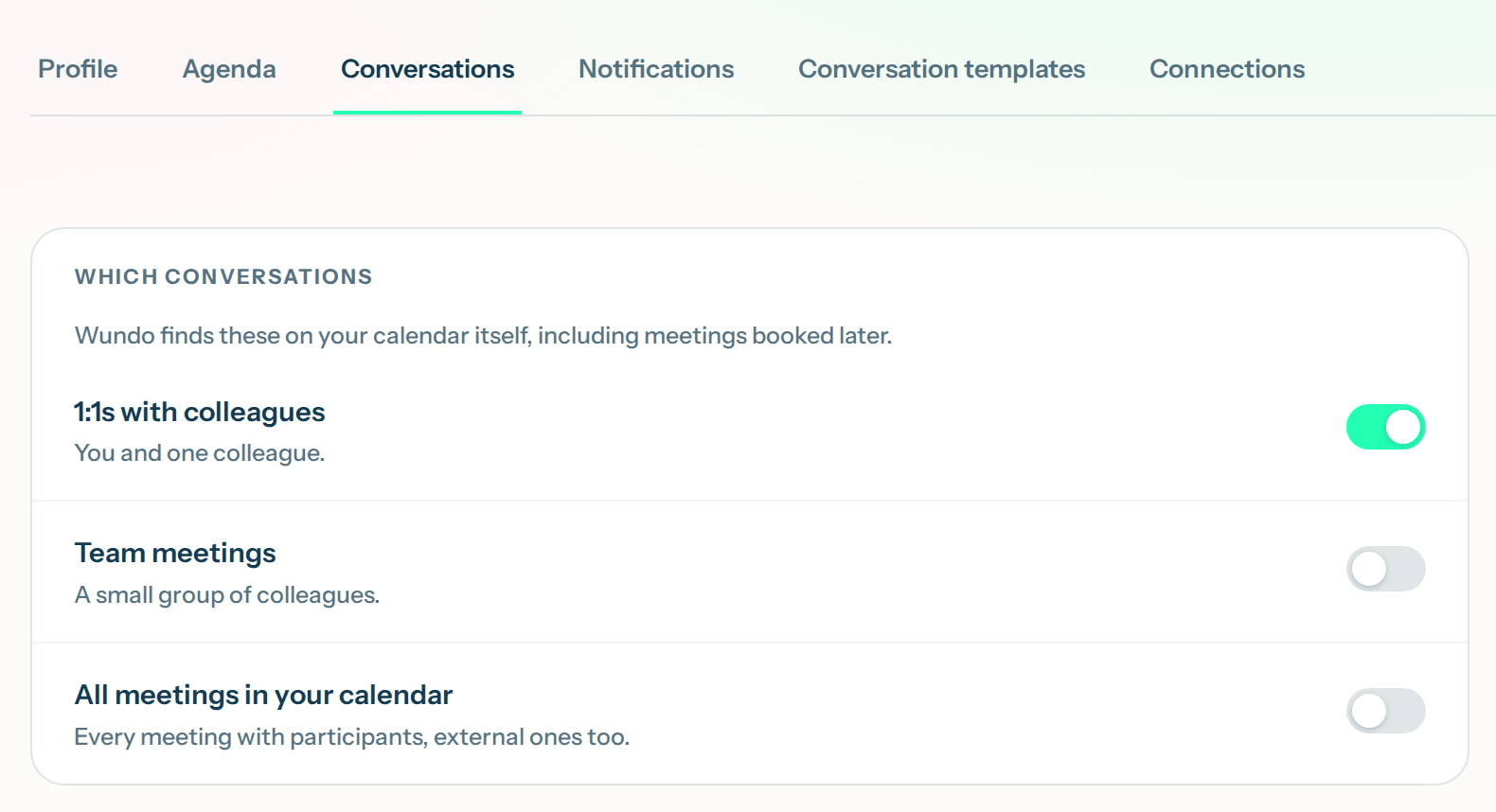
At the top you see a row of tabs. Click Conversations.
-
Choose one of the two options
Wundo finds your conversations in your calendar by itself, including ones you schedule later. Want Wundo for a specific conversation? Then use your calendar. Want Wundo to join as well and write a report? Then turn on Let the notetaker join. The notetaker then joins every conversation Wundo helps with, including your 1:1s with the colleagues you chose on the Team page: you don’t need All meetings in your calendar for that. To see how it works, read Automatic reports and insights per colleague.