Getting started
Adding Wundo through your calendar
Add Wundo to a meeting. Wundo helps you prepare for the conversation and follows it up.
Last updated on 23 September 2026
-
Open Agenda
In Wundo, open the Agenda tab.
-
Find the meeting
Find the meeting Wundo should support. It can be a one-off or a recurring meeting.
-
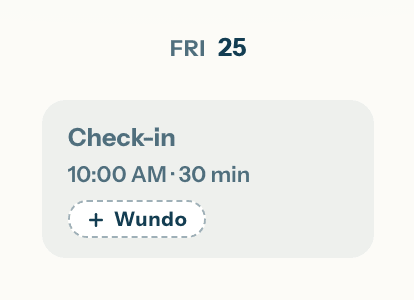
Click + Wundo
Click + Wundo next to the meeting.
Good to know
Want Wundo for all your 1:1s without marking each meeting separately? Set it up by default through your settings.